Full Audit Visibility Across Your Webex Calling Organization
See who changed what in Webex, and when, in one searchable audit log across your whole Control Hub organization.
START FREE TRIAL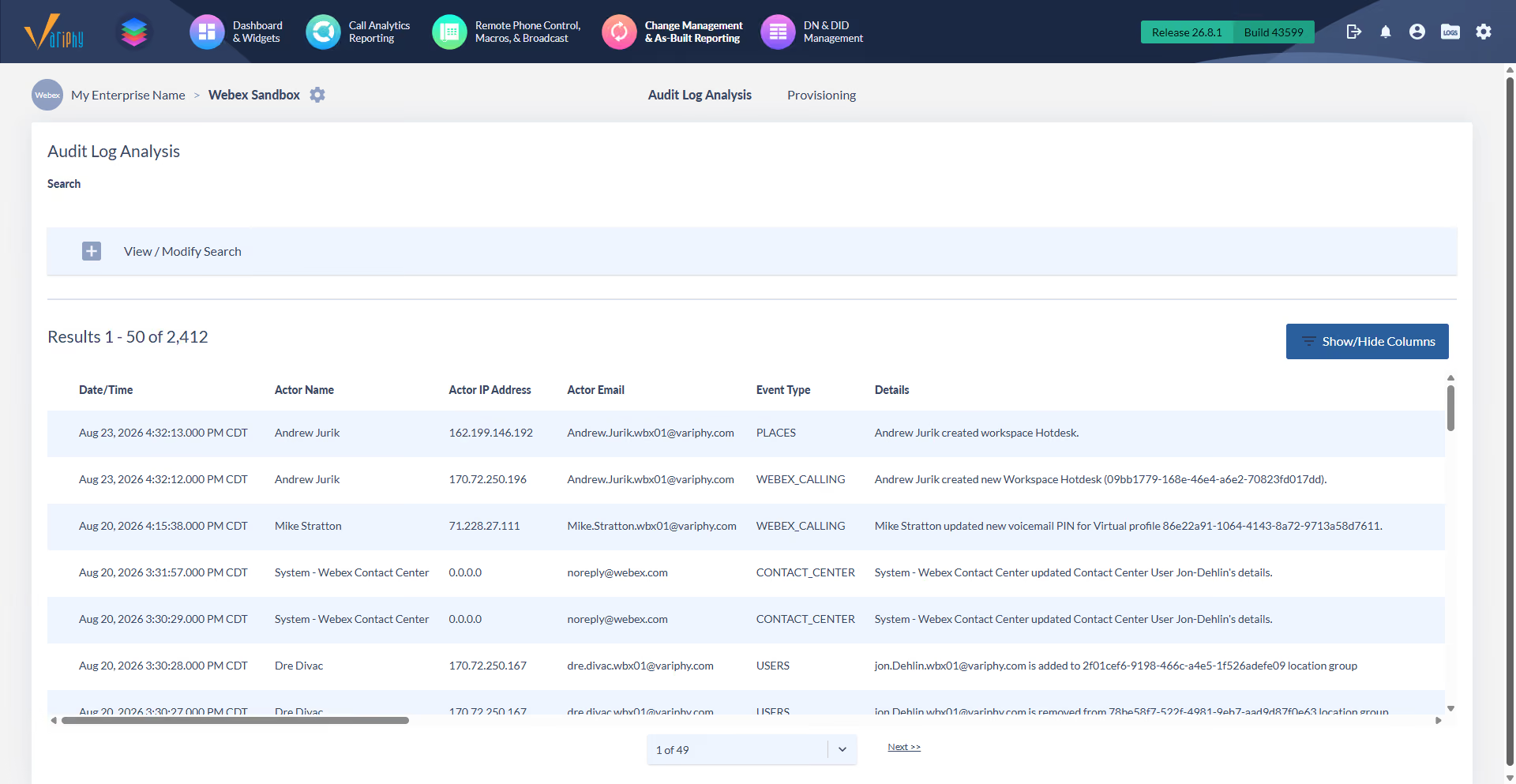
See who changed what in Webex, and when, in one searchable audit log across your whole Control Hub organization.
START FREE TRIAL
Every entry names the actor, the action, and the exact time behind a change.

Read each event in plain language, with the before and after values, not a raw log line.

See actor, IP, event type, and target, and add more columns when an audit needs them.

One log covers workspaces, devices, contact center, compliance, analytics, and directory sync.

Search by event type, keyword, and field, then export what you find.
Extract structured data from hundreds of documents at the same time.
Extract structured data from hundreds of documents at the same time.
Extract structured data from hundreds of documents at the same time.
Extract structured data from hundreds of documents at the same time.
Extract structured data from hundreds of documents at the same time.
Extract structured data from hundreds of documents at the same time.
Extract structured data from hundreds of documents at the same time.
Extract structured data from hundreds of documents at the same time.
Extract structured data from hundreds of documents at the same time.
Extract structured data from hundreds of documents at the same time.
Extract structured data from hundreds of documents at the same time.
Extract structured data from hundreds of documents at the same time.
Extract structured data from hundreds of documents at the same time.
Extract structured data from hundreds of documents at the same time.
Extract structured data from hundreds of documents at the same time.
Extract structured data from hundreds of documents at the same time.
Extract structured data from hundreds of documents at the same time.
Extract structured data from hundreds of documents at the same time.
Extract structured data from hundreds of documents at the same time.
Extract structured data from hundreds of documents at the same time.
Extract structured data from hundreds of documents at the same time.
Extract structured data from hundreds of documents at the same time.
Extract structured data from hundreds of documents at the same time.
Extract structured data from hundreds of documents at the same time.
Extract structured data from hundreds of documents at the same time.
Extract structured data from hundreds of documents at the same time.
Extract structured data from hundreds of documents at the same time.
Extract structured data from hundreds of documents at the same time.
Extract structured data from hundreds of documents at the same time.
Extract structured data from hundreds of documents at the same time.
Extract structured data from hundreds of documents at the same time.
Extract structured data from hundreds of documents at the same time.
Extract structured data from hundreds of documents at the same time.
Extract structured data from hundreds of documents at the same time.
Extract structured data from hundreds of documents at the same time.
Extract structured data from hundreds of documents at the same time.
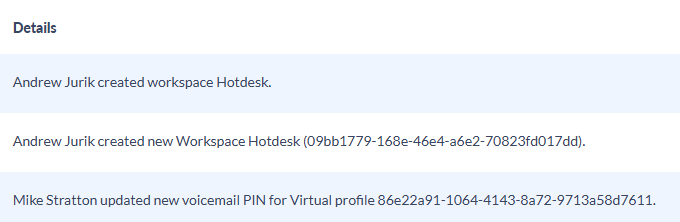
Read entries like "John Smith updated workspace capacity from 5 to 10." The before and the after sit in the line itself, not in a raw log entry.
Start with date, actor, IP, event type, and description. Add actor email, target name, target type, and the log entry ID from Show or Hide Columns.
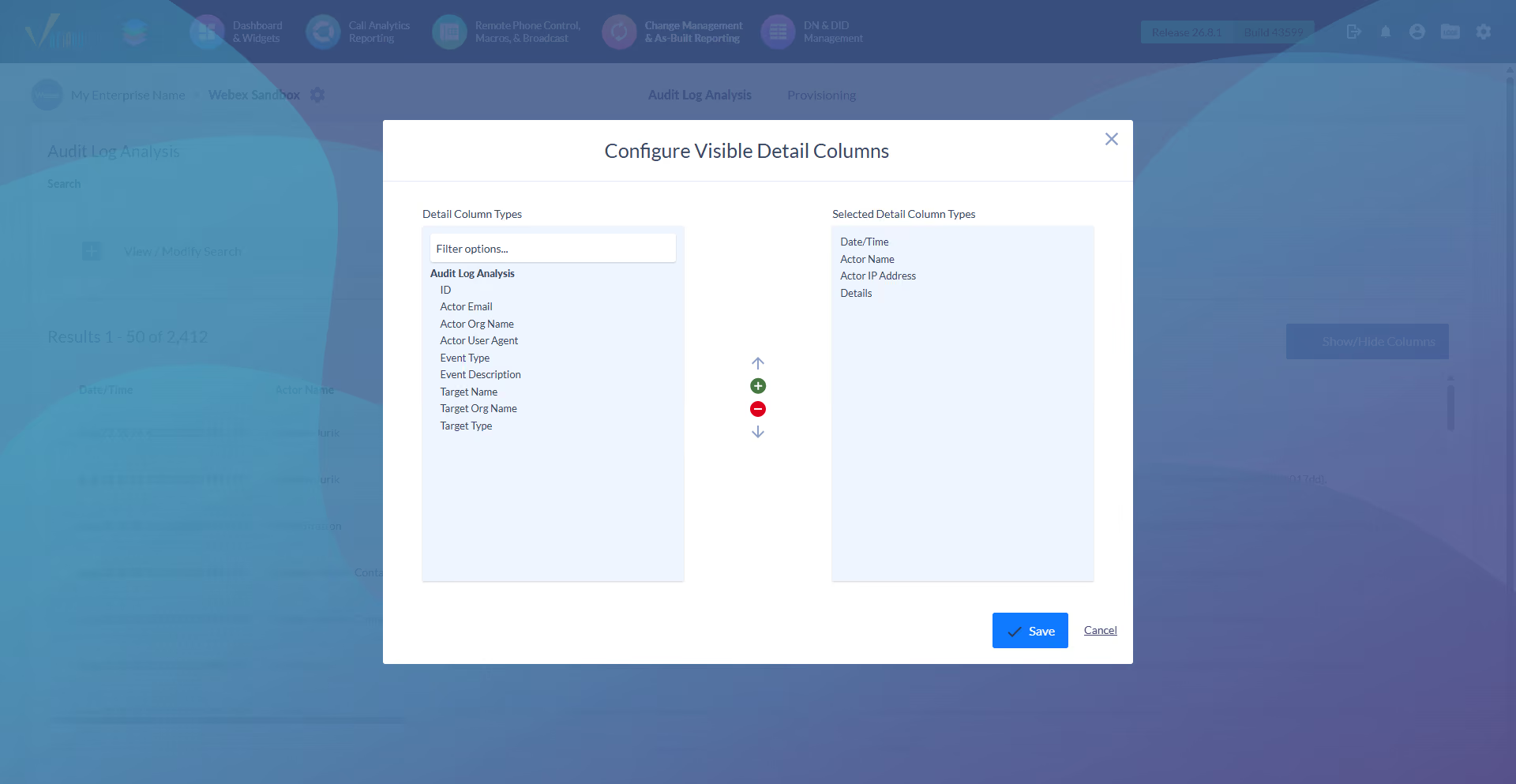
One log spans workspaces, devices, contact center, compliance, analytics, alarms, customers, and directory sync, not just one service.
Filter by event type, run a keyword search across every entry, and add field criteria to narrow the log to one person or object.
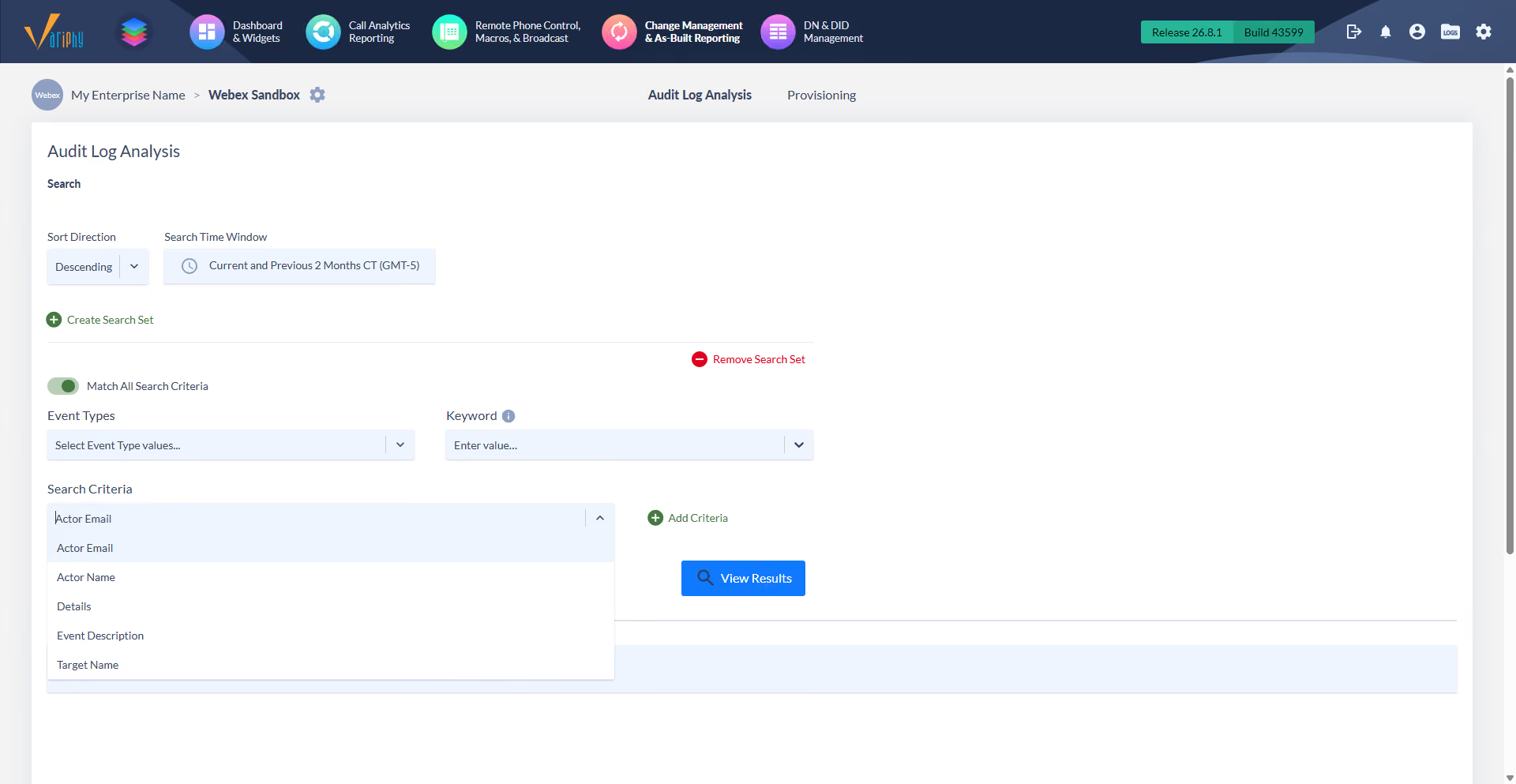
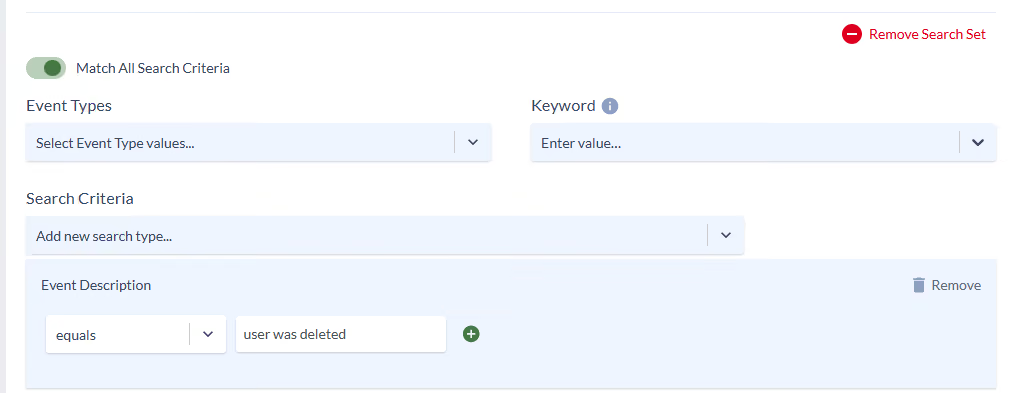
Match All to require every condition, or off to catch any of them. Stack event type, keyword, and actor to reach the exact entries you need.
Webex Control Hub records administrative activity, but the native view is limited on detail and retention. Variphy reads your Webex admin audit events and presents them as detailed, searchable change history that records who changed what and when across your Control Hub organization.
Variphy records every administrative change with the actor name, the action, and the timestamp, and adds actor email, actor IP address, actor org, and the target that changed. Search by actor, event type, or keyword to trace a specific change back to its source.
Variphy reads Webex admin audit events across the organization, including places and workspaces, devices, device fulfillment, contact center, compliance, analytics, alarms, customers, and directory sync. Each entry describes the change in plain language, with the values before and after.
Yes. Select event types, run a keyword search across all entry detail, and add field criteria such as actor name contains a value. Toggle Match All to require every condition or match any to broaden the result, then export what you find for reviews and audit requests.
Variphy brings the same audit-log parity to Webex that it provides for Cisco CUCM. You get comparable change-tracking depth across cloud and on-prem, in one platform, instead of a thin native Webex view.
Yes. Variphy gives you a searchable, exportable record of Webex administrative changes, unified with your Cisco on-prem audit logs. That is the change-tracking record of who did what and when that compliance and change control need.
Featured Resources

Connect with us



Technology Partners