Full Change Management and Audit Visibility Across Your Webex Calling Organization
See who changed what and when, and export a complete as-built record, all in one place.
START FREE TRIAL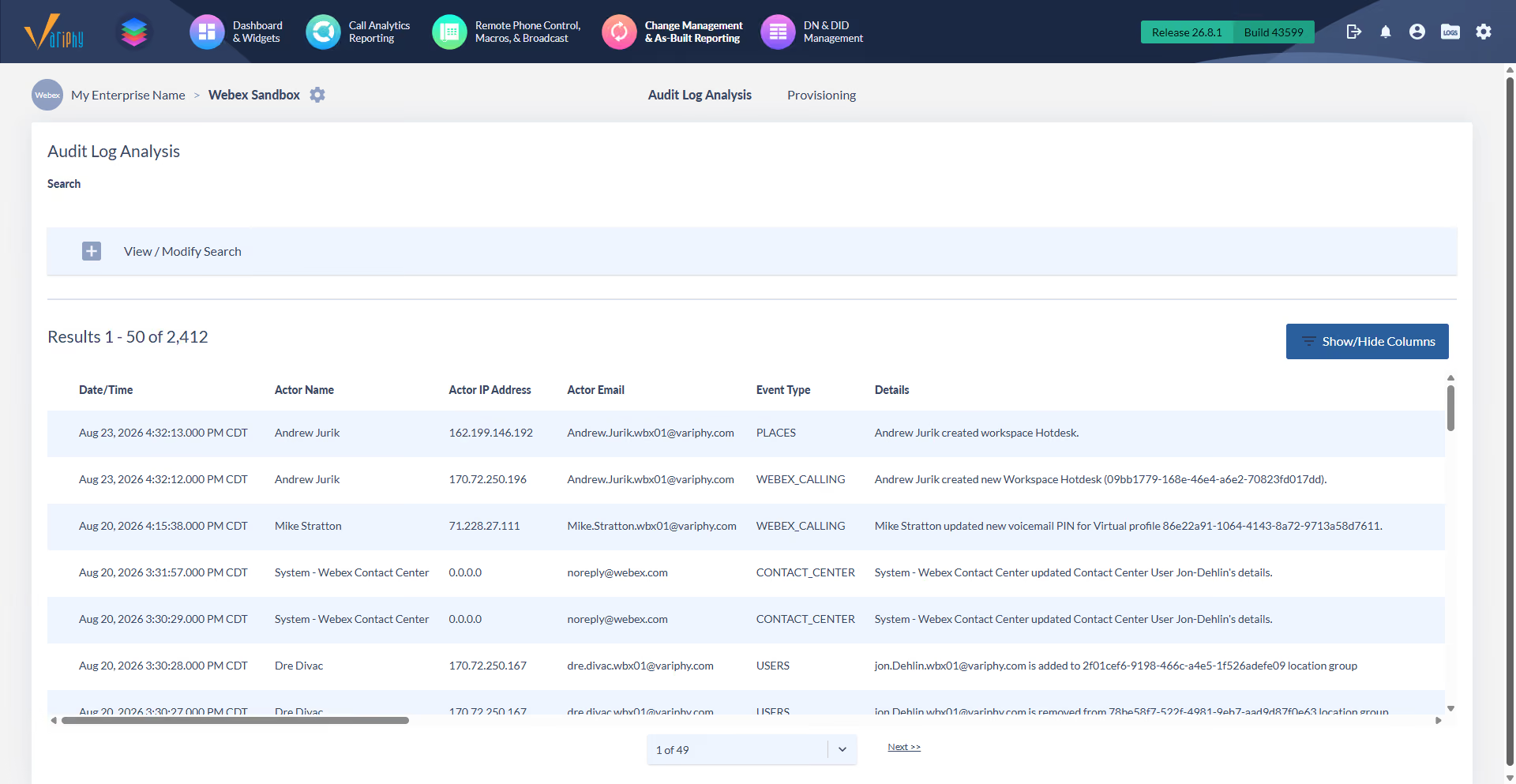
See who changed what and when, and export a complete as-built record, all in one place.
START FREE TRIAL
Every admin change names the actor, the action, and the exact time, retained long term.

Document your entire configuration and export it as PDF, CSV, or XLSX.

One record spans 43 object types across locations, users, devices, routing, and emergency settings.
Extract structured data from hundreds of documents at the same time.
Extract structured data from hundreds of documents at the same time.
Extract structured data from hundreds of documents at the same time.
Extract structured data from hundreds of documents at the same time.
Extract structured data from hundreds of documents at the same time.
Extract structured data from hundreds of documents at the same time.
Extract structured data from hundreds of documents at the same time.
Extract structured data from hundreds of documents at the same time.
Extract structured data from hundreds of documents at the same time.
Extract structured data from hundreds of documents at the same time.
Extract structured data from hundreds of documents at the same time.
Extract structured data from hundreds of documents at the same time.
Extract structured data from hundreds of documents at the same time.
Extract structured data from hundreds of documents at the same time.
Extract structured data from hundreds of documents at the same time.
Extract structured data from hundreds of documents at the same time.
Extract structured data from hundreds of documents at the same time.
Extract structured data from hundreds of documents at the same time.
Extract structured data from hundreds of documents at the same time.
Extract structured data from hundreds of documents at the same time.
Extract structured data from hundreds of documents at the same time.
Extract structured data from hundreds of documents at the same time.
Extract structured data from hundreds of documents at the same time.
Extract structured data from hundreds of documents at the same time.
Extract structured data from hundreds of documents at the same time.
Extract structured data from hundreds of documents at the same time.
Extract structured data from hundreds of documents at the same time.
Extract structured data from hundreds of documents at the same time.
Extract structured data from hundreds of documents at the same time.
Extract structured data from hundreds of documents at the same time.
Extract structured data from hundreds of documents at the same time.
Extract structured data from hundreds of documents at the same time.
Extract structured data from hundreds of documents at the same time.
Extract structured data from hundreds of documents at the same time.
Extract structured data from hundreds of documents at the same time.
Extract structured data from hundreds of documents at the same time.
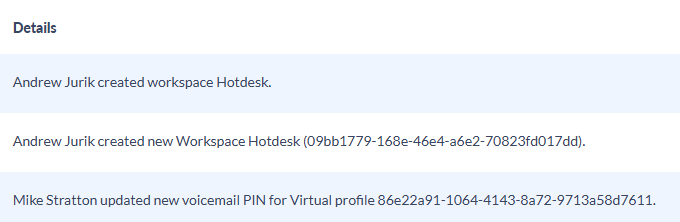
Every administrative change is recorded with the actor, the action, and the timestamp, and retained long term for compliance.
Search audit events by user, object, or time window to reach the exact change you need.
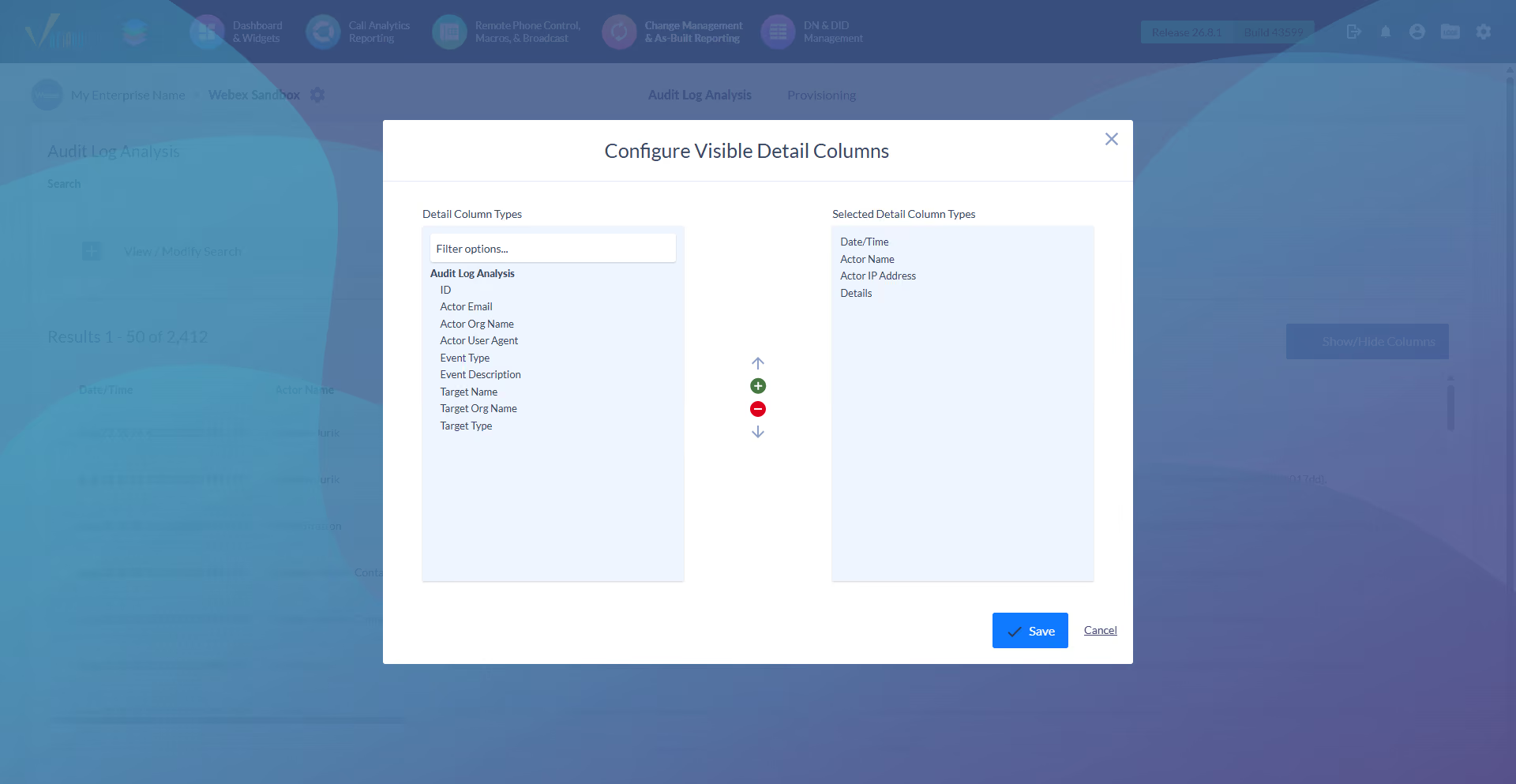
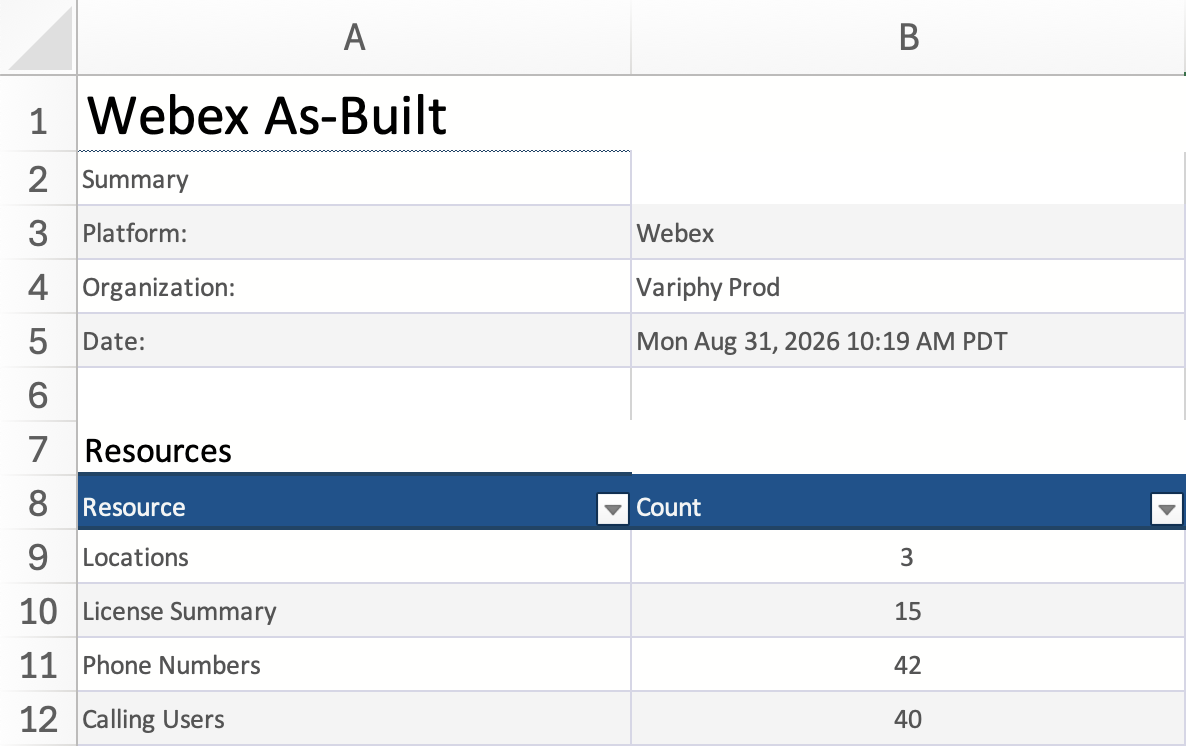
Document the complete configuration in one place for a global view of your environment.
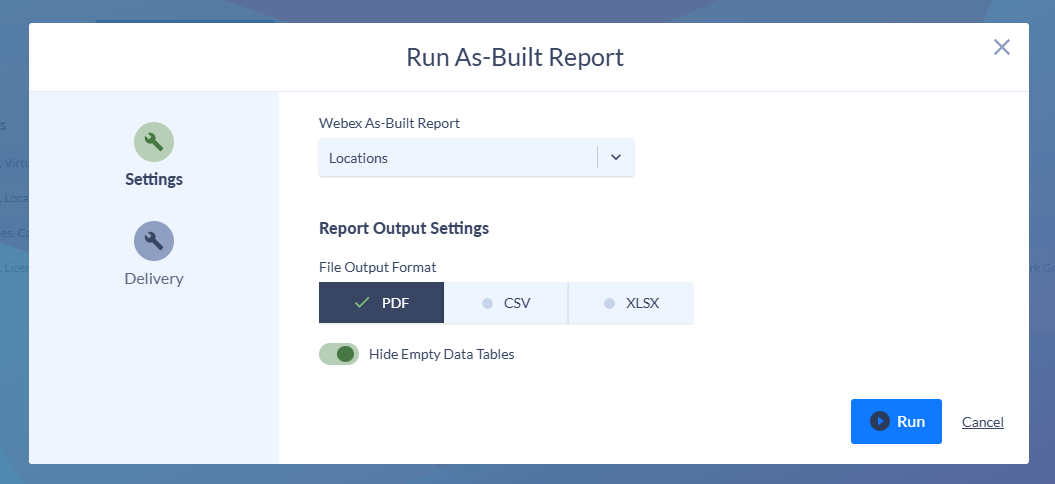
Export the as-built record as PDF, CSV, or XLSX for audits, onboarding, and handoffs.
Manual documentation always misses something. Variphy captures 43 Webex Calling object types in every snapshot, so the record is complete without tracking down each setting by hand. Coverage spans four areas of your organization.

Every location, user, workspace, device, and virtual line, with the licenses and numbers behind them. Includes Locations, License Summary, Phone Numbers, Calling Users, Workspaces, Devices, and Virtual Lines.

How calls route and land across your organization, from auto attendants and call queues to voicemail, schedules, and paging.

The trunks, route groups, dial plans, and translation patterns that move calls in and out.

Emergency calling, recording, integrations, and the org-wide settings auditors ask about.
Change management for Webex Calling is tracking, attributing, and documenting configuration changes over time. Webex Control Hub shows the current state but not what changed, who changed it, or when. Variphy captures the full configuration, records every admin change with the user and timestamp, and exports a complete as-built record.
Variphy records every administrative change with the user, the action, and the timestamp. Search the audit trail by user, object, or time window to trace a specific setting change back to its source. Retention is long term, so a change from months ago is still available when compliance or an audit needs it.
A configuration snapshot records the full state of your environment at a point in time, so comparing two snapshots shows what changed. An audit log records individual admin events, showing who made a change and when. Snapshots answer what the configuration looked like; the audit log answers who touched it. Variphy gives you both in one platform.
A Webex Calling as-built report is a document of your configuration as it actually exists now. It captures the current state across locations, users, devices, dial plans, and calling features, not a change event or a plan. Variphy generates it on demand and exports it in PDF, CSV, or XLSX.
Variphy captures 43 Webex Calling object types, grouped as foundation, call handling, routing and dial plan, and emergency and org settings. Coverage runs from locations, users, workspaces, and devices to trunks, dial plans, translation patterns, and emergency calling. Each object is recorded down to the field level.
The Webex Calling as-built report exports in PDF, CSV, and XLSX. Use PDF or Word for audit and handoff documents, and CSV or XLSX when you need the configuration data in a spreadsheet.
Featured Resources

Connect with us



Technology Partners